
HRMS in Action
Watch how Banshi HRMS transforms workforce management from attendance to payroll — all in one powerful platform.
See HRMS in Action
Watch the full walkthrough or browse dashboard screenshots to see every module up close.
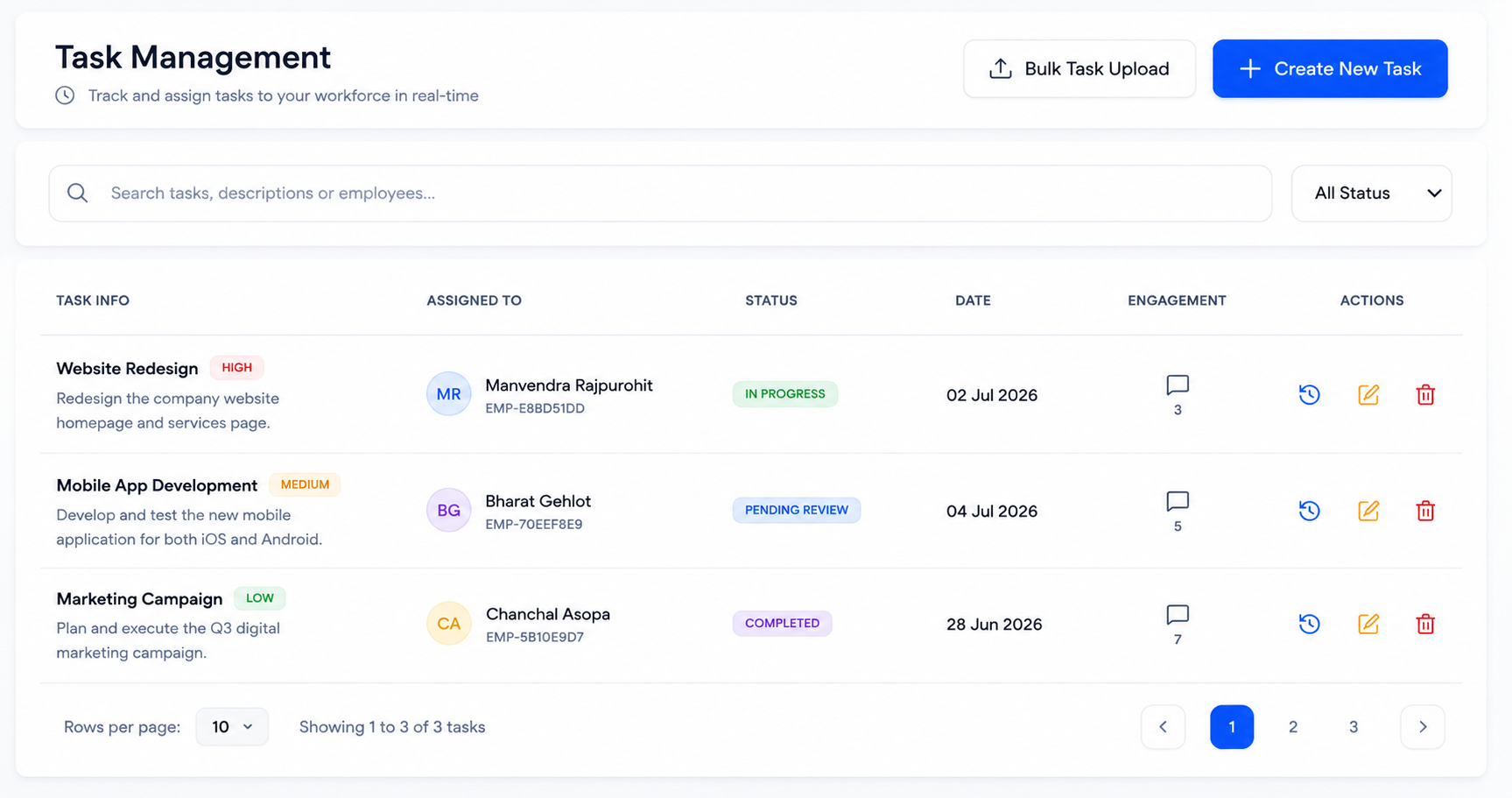
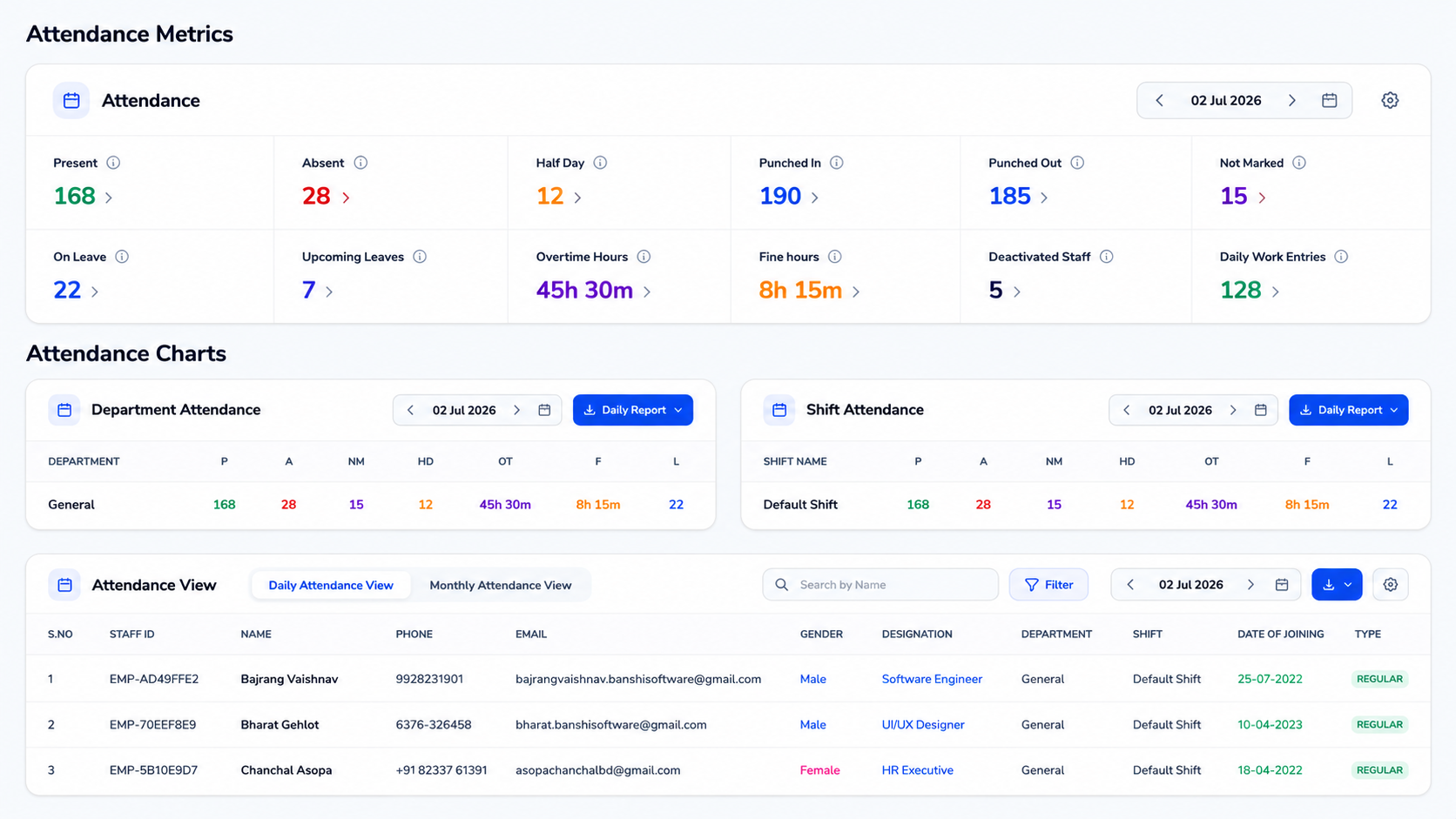
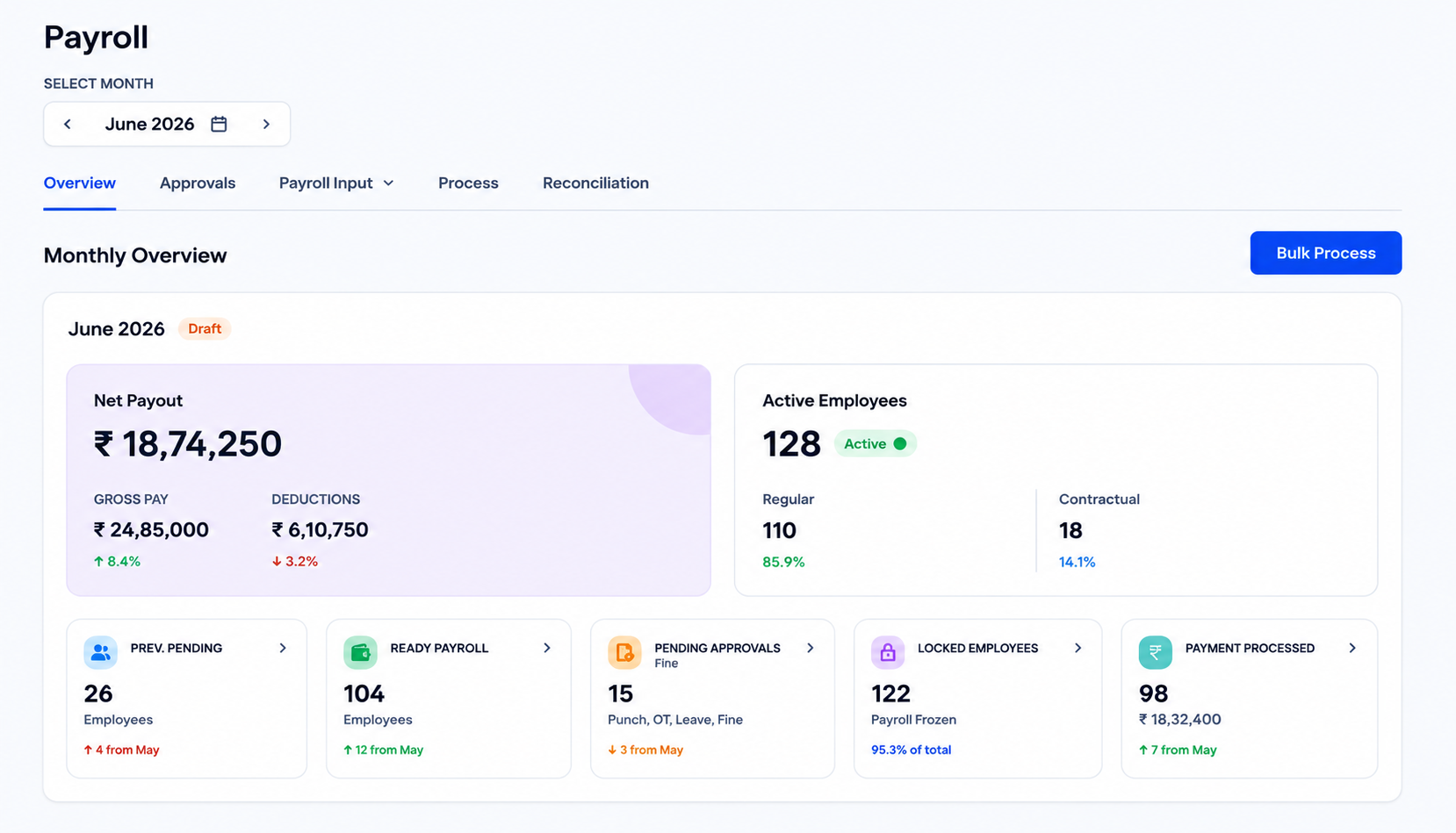
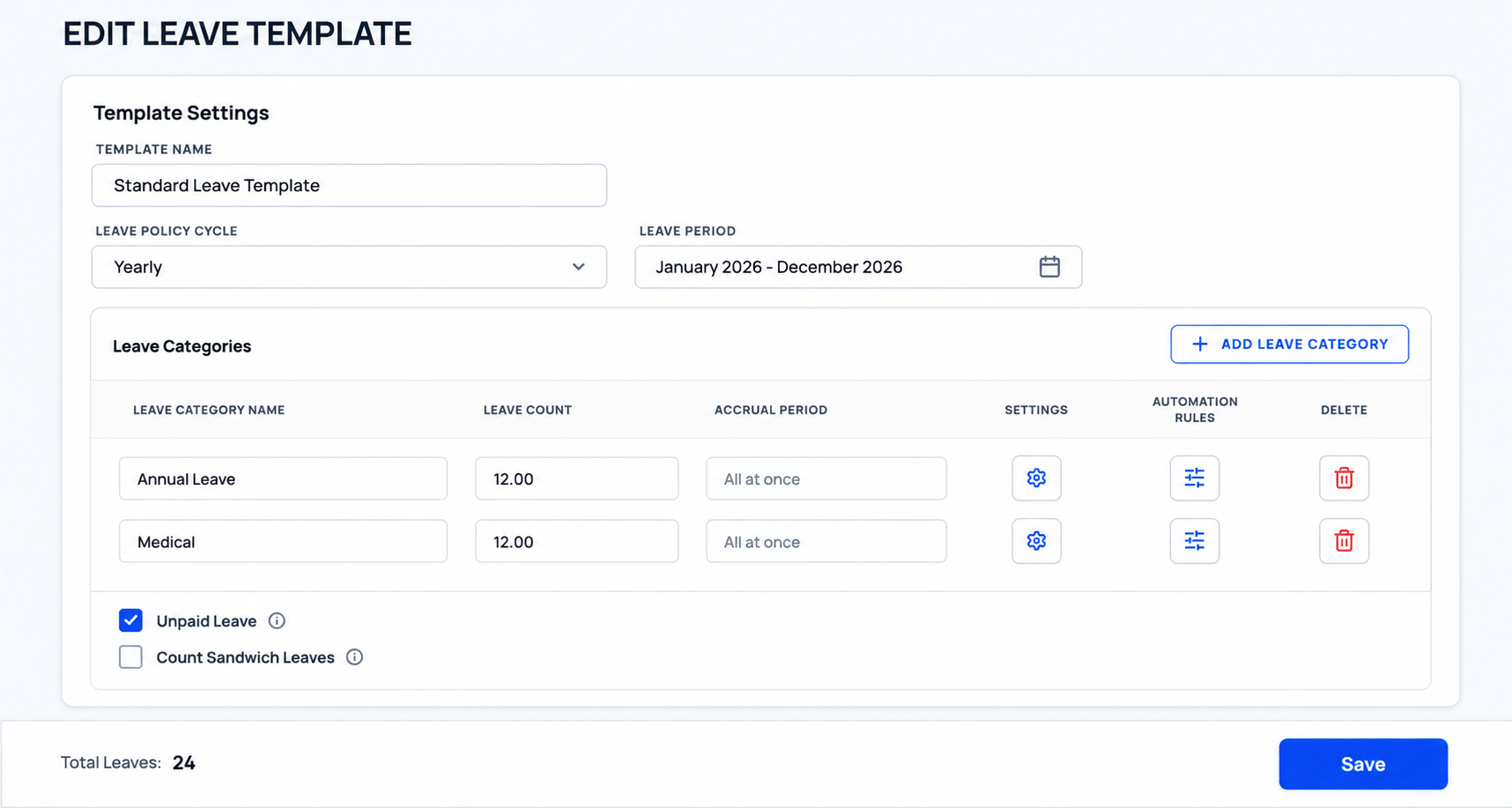
Interactive Feature Orbit
Concentric satellite nodes representing all modules, synchronized in real-time with the core HRMS database engine.
Unified Database Hub
Hover over any node to inspect synchronised ledger details.
See Your Entire Workforce In Motion
Watch attendance, payroll, leave management, assets and reports update in real time as your company operates. Hover over a module below to inspect the engine.
Geofenced GPS Attendance
Accurate, location-aware employee check-ins. Verify attendance dynamically through GPS validation and live tracking across multiple sites.
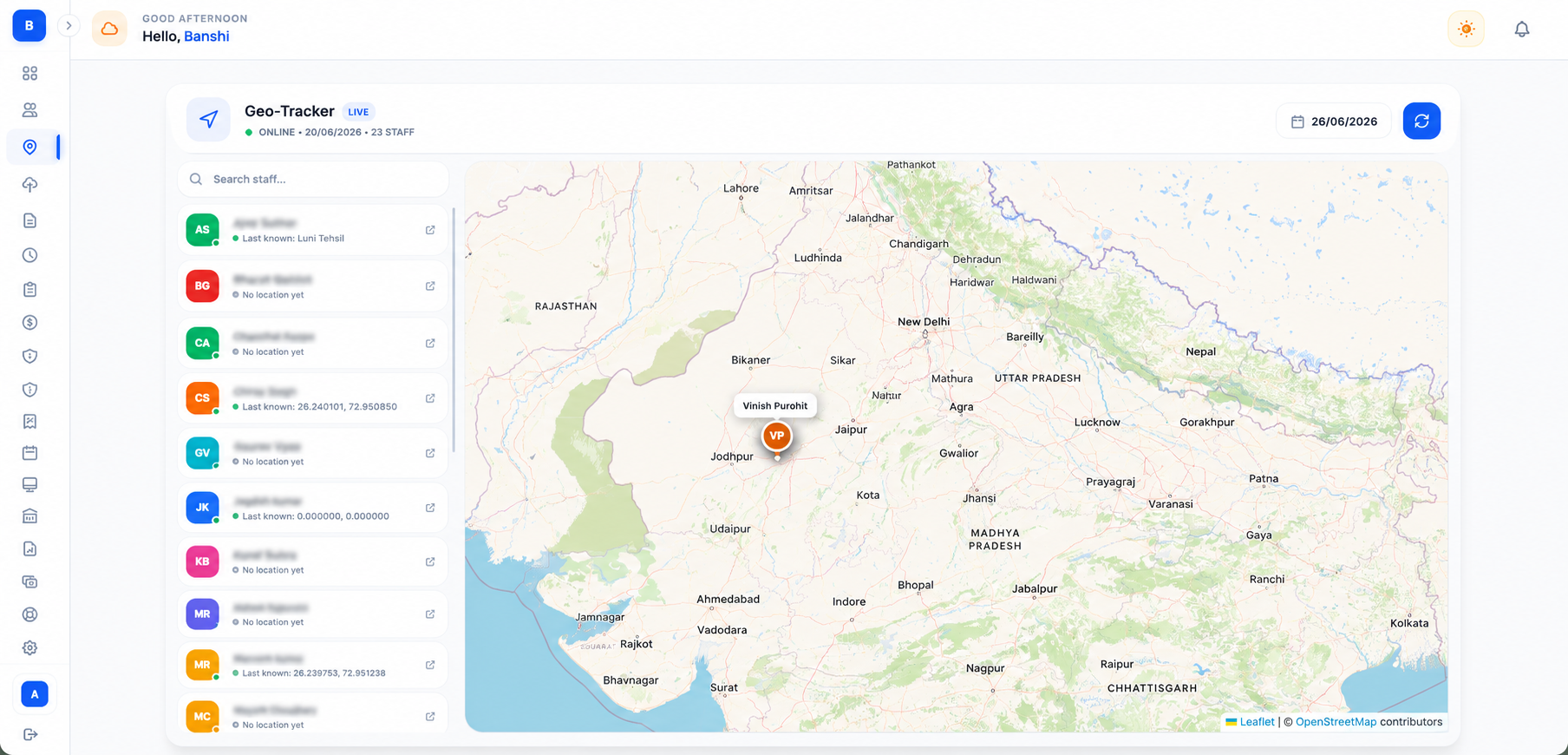
Dynamic Geofencing
Restrict punches to authorized zones. Real-time GPS mapping ensures field workers log in from the correct client or site location.
Facial & IP Verification
Combine GPS checks with biometric facial recognition to completely eliminate buddy punching and unauthorized check-ins.
How It Works
Get your business operational on HRMS in five quick setups.
Configure Company Settings
Define your departments, rosters, biometric locks, geofenced boundaries, and salary configuration codes in our workspace setup panels.
Configure Company Settings
Define your departments, rosters, biometric locks, geofenced boundaries, and salary configuration codes in our workspace setup panels.
Invite Your Employees
Send onboarding links to managers and staff. Setup digital profiles, input base CTC parameters, and distribute company devices or keys.
Track Daily Attendance
Employees check-in using mobile GPS or biometric locks. Shift rosters and daily attendance metrics update on the dashboard automatically.
Track Daily Attendance
Employees check-in using mobile GPS or biometric locks. Shift rosters and daily attendance metrics update on the dashboard automatically.
Automate Payroll Run
Run complete monthly cycles in seconds. Allowances, overtime penalties, taxes, and loan repayments calculations compile in one draft.
Compliance & Deductions
Statutory compliance deductions (PF, ESI, TDS, Professional Tax, Compliance Calendar, Gratuity, Bonus, POSH) are automatically computed and deducted for each employee based on state rules.
Compliance & Deductions
Statutory compliance deductions (PF, ESI, TDS, Professional Tax, Compliance Calendar, Gratuity, Bonus, POSH) are automatically computed and deducted for each employee based on state rules.
Generate Reports & Metrics
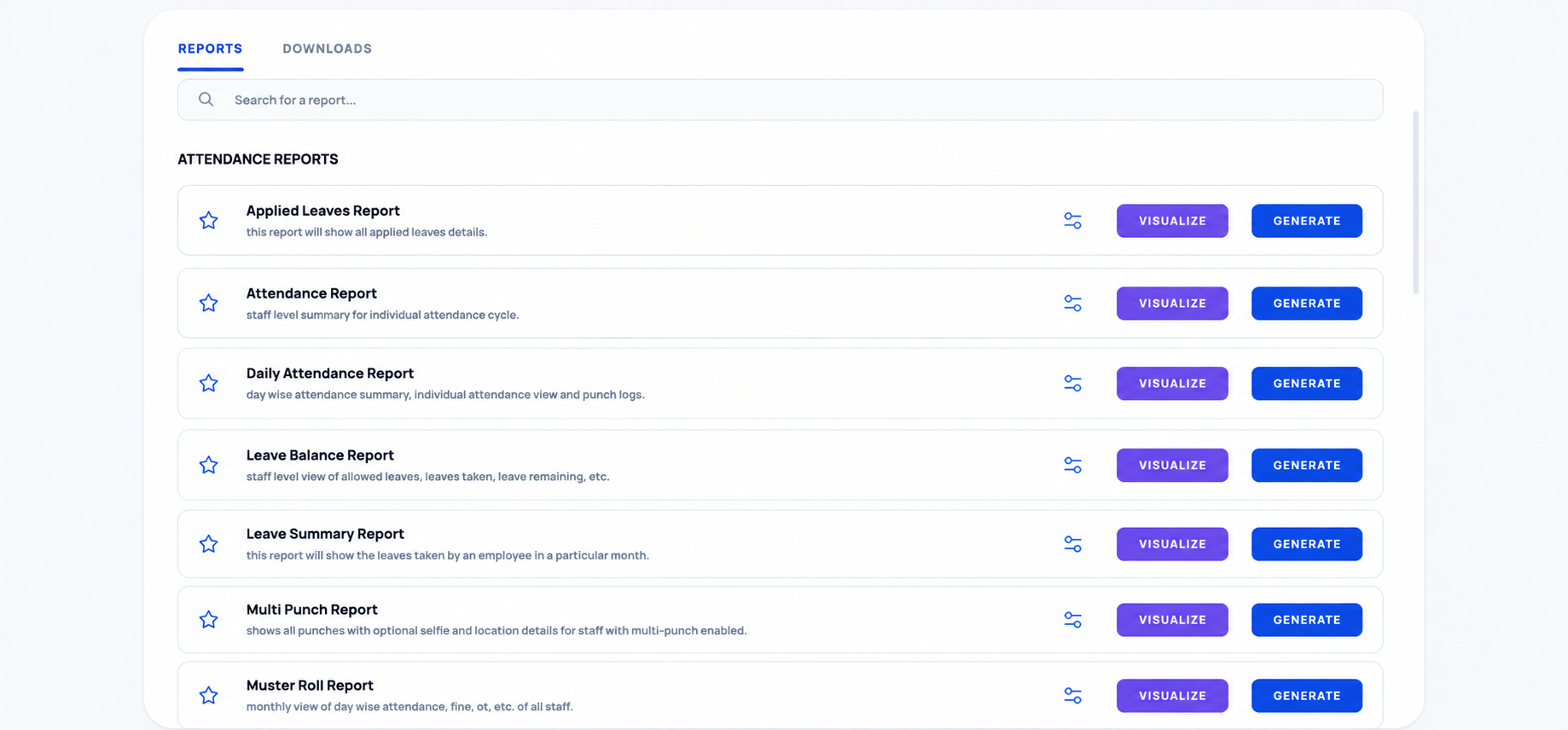
Export attendance SLAs, compliance checklists, bank transfers files, and visual finance expense audits with one button.
Excel Chaos vs Digital Compliance
Drag the slider to compare legacy spreadsheet limits with modern compliant workflows.
The Legacy Chaos (Before)
- Messy Excel spreadsheets prone to syntax errors, formulas mismatch, and broken cell references.
- Manual punch registers with zero geofence security boundary verification.
- Calculations delay payouts by days due to manual audits and tax anomalies.
HRMS Digital System (After)
- Real-time cloud database synced securely with biometric compliance and IP filters.
- Mobile GPS boundary geofencing locks log tracking with zero punch-card spoofing.
- Automated payroll computation runs compile taxes and salary disbursement instantly.
Chosen by businesses
"Bhatiji is doing good job very nicely built."
Aditya
Ready To Replace
Excel Forever?
Join 2,400+ companies already automating payroll, biometric geofencing, and compliance — in one unified system.
Free Live Walkthrough•No Commitments Required